


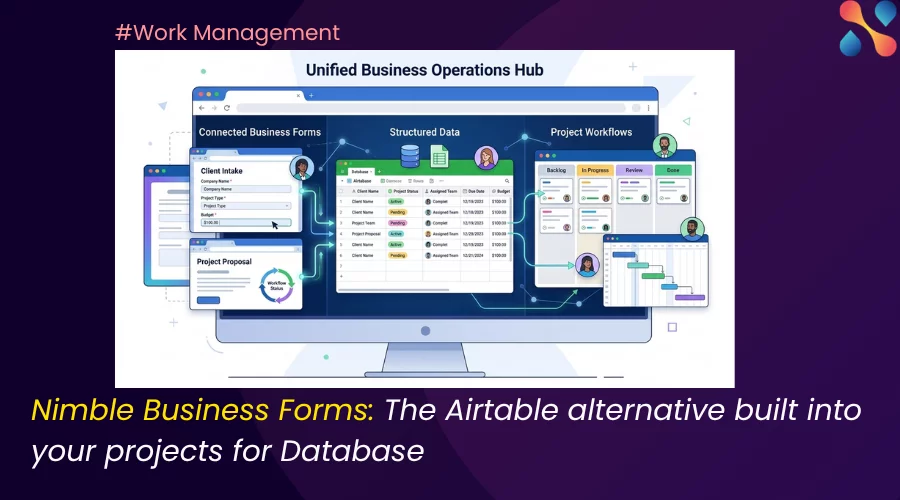
Search ‘Airtable alternative’ and you’ll get some really good no-code database tools.
Each one rebuilds Airtable’s spreadsheet-database, adds a few more field types, and promises to do it for a fraction of the price. Some even import your Airtable bases in a click.
If a cheaper Airtable is genuinely what you’re after, those are fair options, and this piece won’t pretend otherwise. But a lot of teams don’t leave Airtable over price. They leave due to certain gaps which aren’t easily fixable. It’s the gap between storing structured data and running the work off it.
That’s the gap Nimble’s Business Forms was built for.
Most ‘Airtable alternatives’ answer the wrong question
Those tools are excellent at one job: holding structured data in a flexible, spreadsheet-like grid. Fields, views, relations, formulas. For a content calendar or an asset tracker, that’s the whole job, and it’s done well. The trouble starts when the data has somewhere to go.
An intake form needs to become an approved request. A request needs a timeline, an owner, and a resourcing decision. Status needs to roll up to a dashboard someone in leadership actually reads.

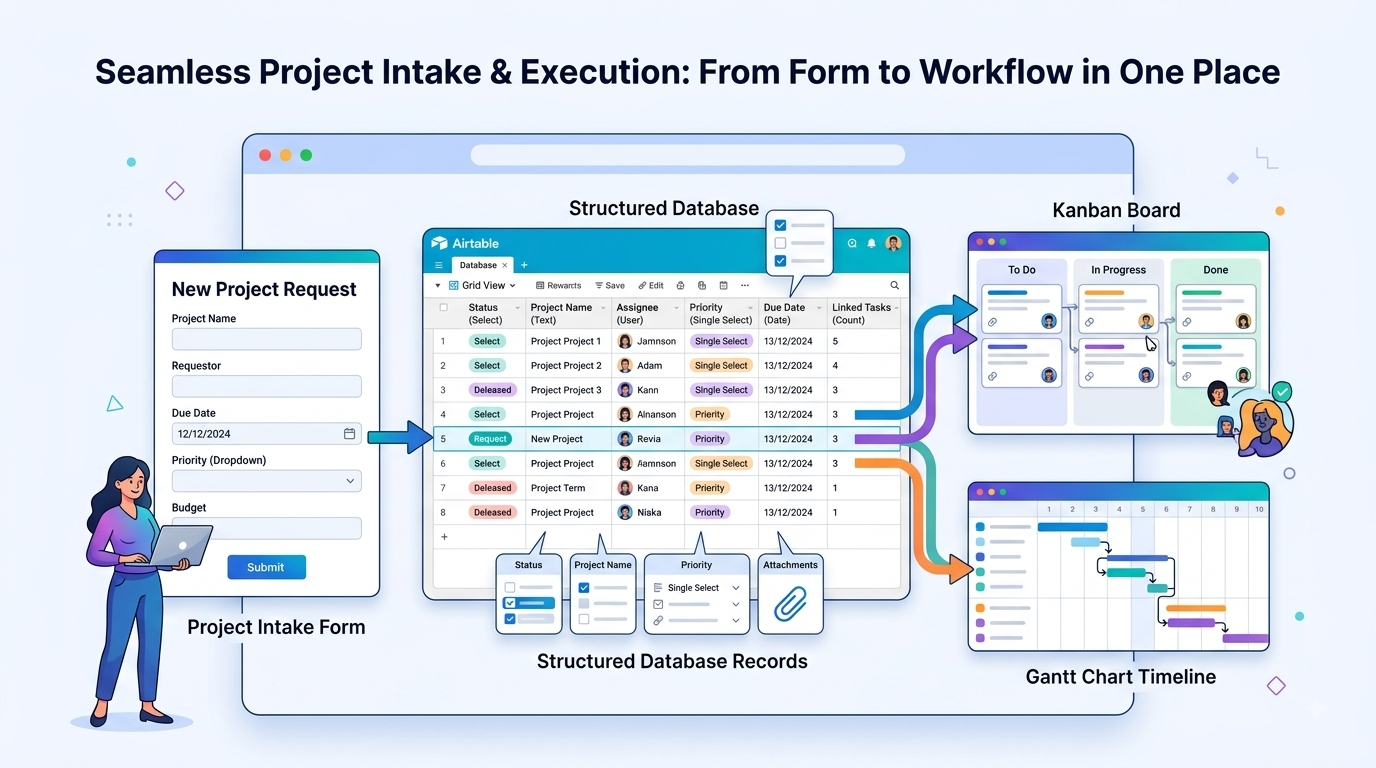
At that point you’re no longer just managing a database; you’re running delivery, and a database was never built to do that. Swapping Airtable for another database just moves the same limitation to a cheaper tool.
So the more useful question when you’re evaluating an Airtable alternative is ‘where does this data have to go?’.
So, where does the data go?
Picture the full path. Someone submits a purchase request. It gets validated, priced, and routed for approval.
Once approved, it becomes work; scheduled, assigned, tracked against a budget, and reported on. Every step after “submit” is delivery, not storage.
A no-code database handles the first step and stops. It captures the request beautifully and then hands you an integration project to connect it to everything that happens next.
Business Forms is different because the form is the front end of a work and project management platform. The data you collect is already sitting where the work happens.
What Business Forms gives you — the Airtable feel, no code
First, the table stakes, because this only works if the data model holds up. Business Forms is a drag-and-drop builder that lives inside your project workspace — no separate tool, no IT ticket, no code. And it gives Airtable users the structure they expect:
- Lookups that pull values from other forms and lists, so records stay linked and consistent.
- Formula fields with a full formula builder. It has the functions, operators, formatters, and IF/ELSE logic for calculated values.
- Data grids & tables inside a single record, so line items (think purchase-order rows) live where they belong.
- Reusable master lists for reference data you use across many forms.
- The everyday field types — dropdowns, multi-select, dates, user fields — plus conditional logic (show/hide fields, auto-fill, trigger approvals on input), section grouping and reuse, a live visual preview, and field-level validation and decorators (mandatory checks, pattern rules, value limits, icons, color, tooltips).
If you’ve built in Airtable, none of this will feel foreign. That’s deliberate. The point is to give you that same control in a place where the data can actually do something.
The part Airtable alternatives miss: the data drives the work
Here’s where an Airtable alternative built into a work platform pulls ahead of one built as a standalone database.
Because your form data lives inside Nimble, it feeds the rest of delivery natively. It flows straight into dashboards and analytics, with a Power BI integration if your reporting lives there. It triggers Business Rules. These are no-code automations that fire on a trigger, check a condition, and take an action at the field level, so approvals and routing run on their own.
It respects role and persona-based permissions, so different teams see and edit only what they should. And underneath it all sit native timelines and resource planning, so an approved request becomes scheduled, staffed work without a second tool or a hand-built sync.
A database clone can store all the same information. What it can’t do is turn that information into managed delivery without you stitching the workflow together yourself. That stitching is exactly the work most teams are trying to escape when they go looking for an alternative in the first place.
Business Forms use case you can check out
Take purchase-order management, a workflow plenty of teams awkwardly run in Airtable today. In Business Forms, the PO is a single record with a data grid for line items, lookups that pull vendor and item details from a master list, and formula fields that total the order automatically.
Conditional logic routes anything over a threshold for approval, Business Rules move it through the stages, and once it’s approved it’s already tracked against a budget and a timeline. That’s because it never left the work platform to begin with!
The same shape works for a library or asset system built on reusable master lists, or for any intake-to-approval flow that needs to land as real work rather than a row in a disconnected base. In each case the form is the doorway into delivery, not a filing cabinet next to it.
How to choose your Airtable alternative
Be honest about what you actually need. This isn’t a case where one tool wins every row.
What you need | A database clone | Nimble Business Forms |
A cheaper database | Strong fit | Overkill |
Maximum field types / views | Strong fit | Covers the essentials |
Data that drives delivery (approvals, schedules) | Not really | Built for it |
Native timelines + resource planning | No | Yes |
Governance and role-based permissions | Varies | Yes |
Part of a real work management platform | No | Yes |
If you mostly want a flexible, low-cost database for tracking, go for simple database tools like Baserow, Grist, etc.
Business Forms earns its place when the structured data has to run something: a process, an approval chain, a delivery schedule, a governed workflow.
Conclusion
The best Airtable alternative is the one that fits where your data actually has to go. If your structured data just needs a tidy home, plenty of tools will do. If it needs to drive the work — intake, approvals, timelines, resourcing, reporting — then you don’t need another database. You need the data model and the delivery it feeds, in one place.
That’s what Business Forms is built to do.
FAQ
Is Nimble a true Airtable alternative?
Yes, for teams whose structured data needs to drive real work. Business Forms gives you the Airtable-style, no-code data model — lookups, formula fields, data grids, master lists — inside a work and project management platform, so the data feeds approvals, timelines, resourcing, and reporting rather than sitting in a standalone base.
Can I build an Airtable-like database in Business Forms?
Yes. You get custom fields, lookups, formula fields with a formula builder, data grids for line items, dropdowns and multi-select, and reusable master lists — all drag-and-drop, no code.
Does it handle formulas, lookups, and line items?
Yes to all three: a full formula builder (functions, operators, IF/ELSE), lookups across forms and lists, and data grids for line-item tables inside a record.
Can I import my Airtable data into Nimble?
Yes, you can. Nimble supports strong bi-directional integrations with Zapier, Snaplogic, etc.