
Overview
The Workitem Listing page displays all workitems of a specific form type in a flat grid view, giving you a consolidated view of your project’s work. From this page, you can perform a variety of common operations — including adding, modifying, filtering, sorting, and more — directly without opening each workitem individually. This makes it faster and easier to manage and track work across your project.
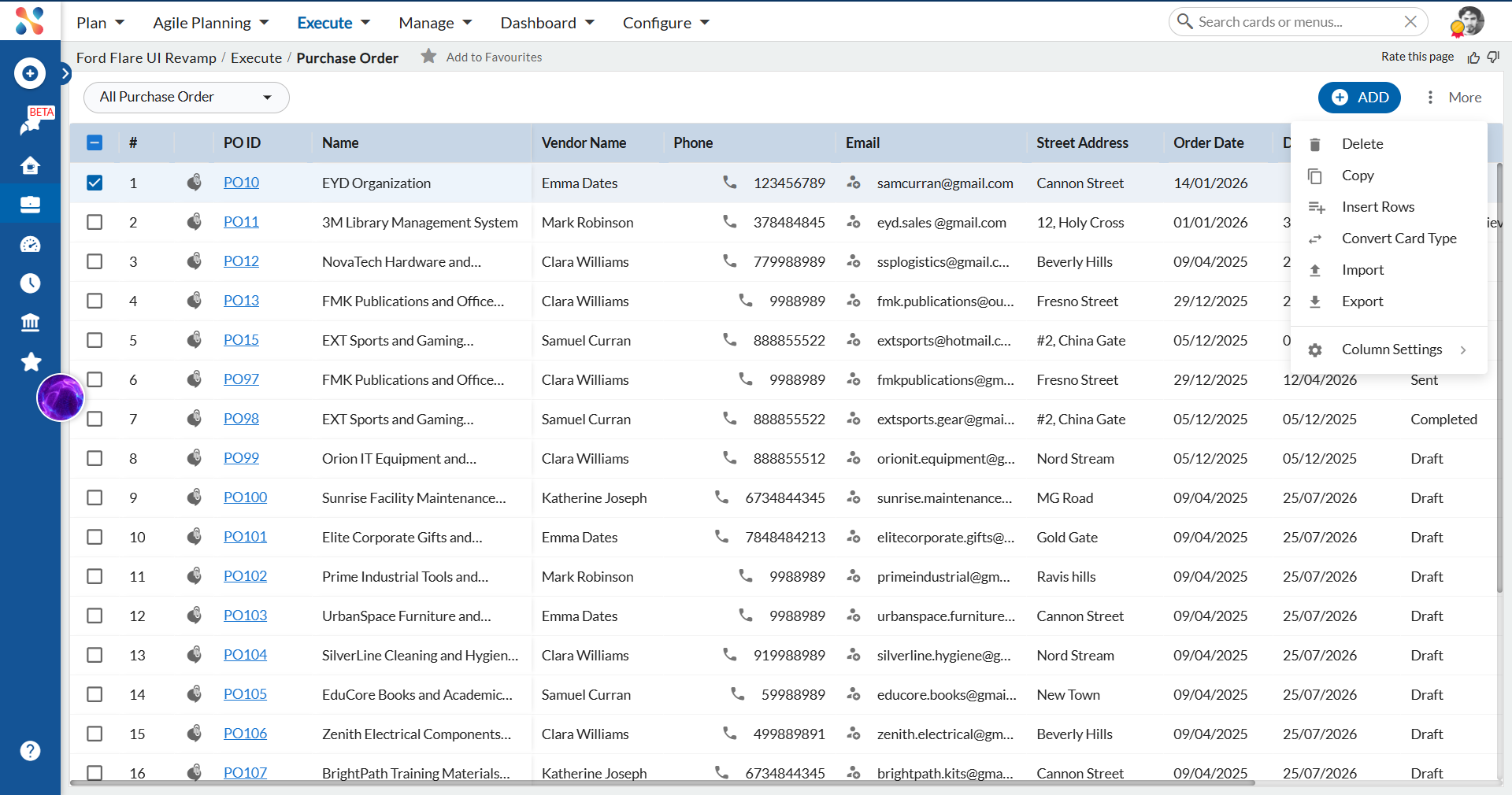
The following common operations are available on the Workitem Listing page. Select an operation to navigate to its help article.
- Adding and Modifying Workitems
- Tagging a Workitem
- Copying a Workitem
- Deleting Workitems
- Closing and Reopening a Workitem
- Exporting and Importing a Workitem
- Filtering the List of Views
- Sorting the List View
- Modify Column Settings
- Comments & Attachments
- Working with ToDos
- Managing Linked Cards in Workitems
- Search Workitems
- Activity Log
- Block/Unblock Workitems
- Undo and Redo actions
- Convert Card Type