In Release 9.0, the following enhancements are being rolled out.
Note: AI-based features are being enabled for selected enterprises initially. Based on the feedback received, we plan to enable them for all in a future phase.
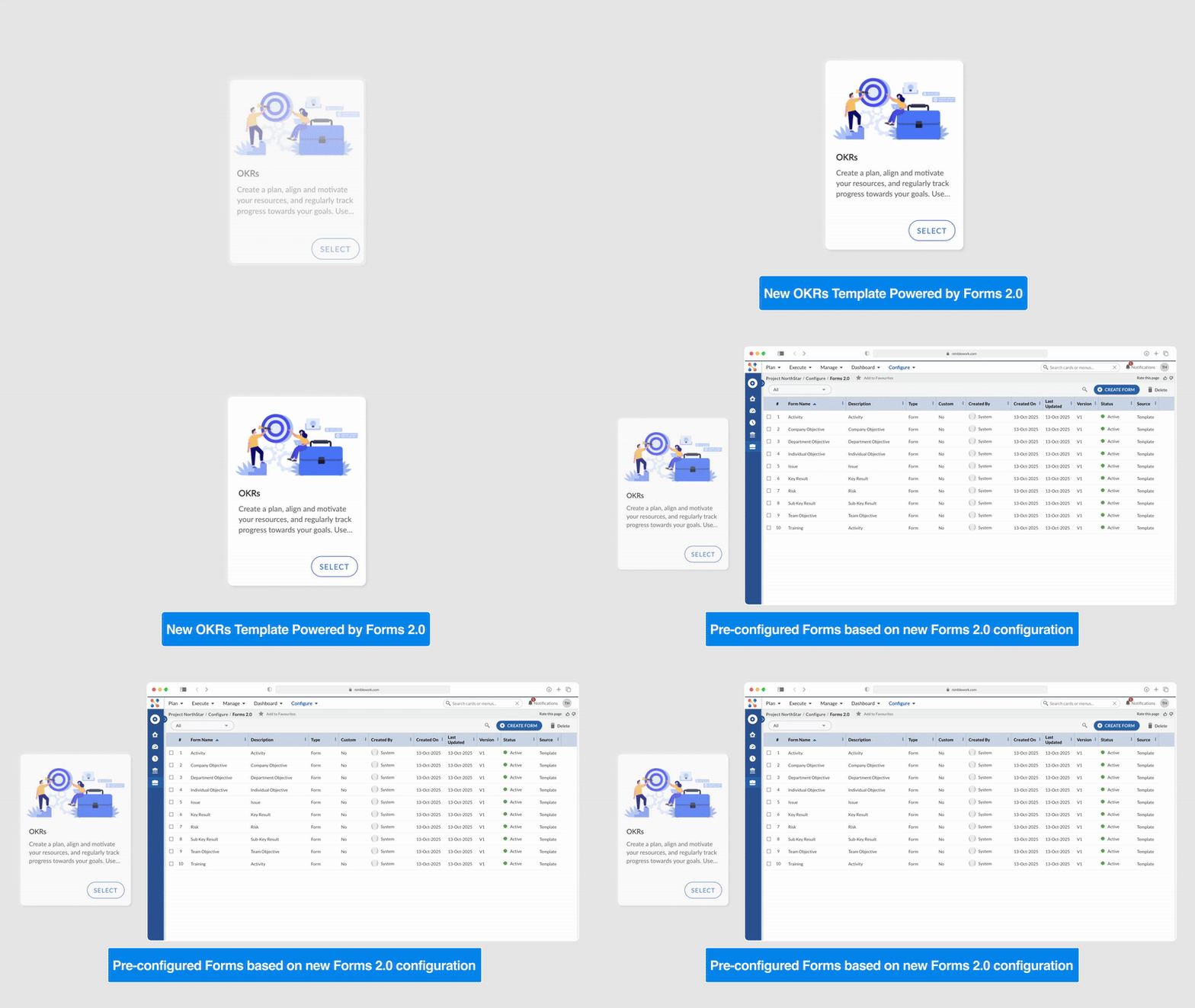
The new OKR Template powered by Forms 2.0 will be available for all users.
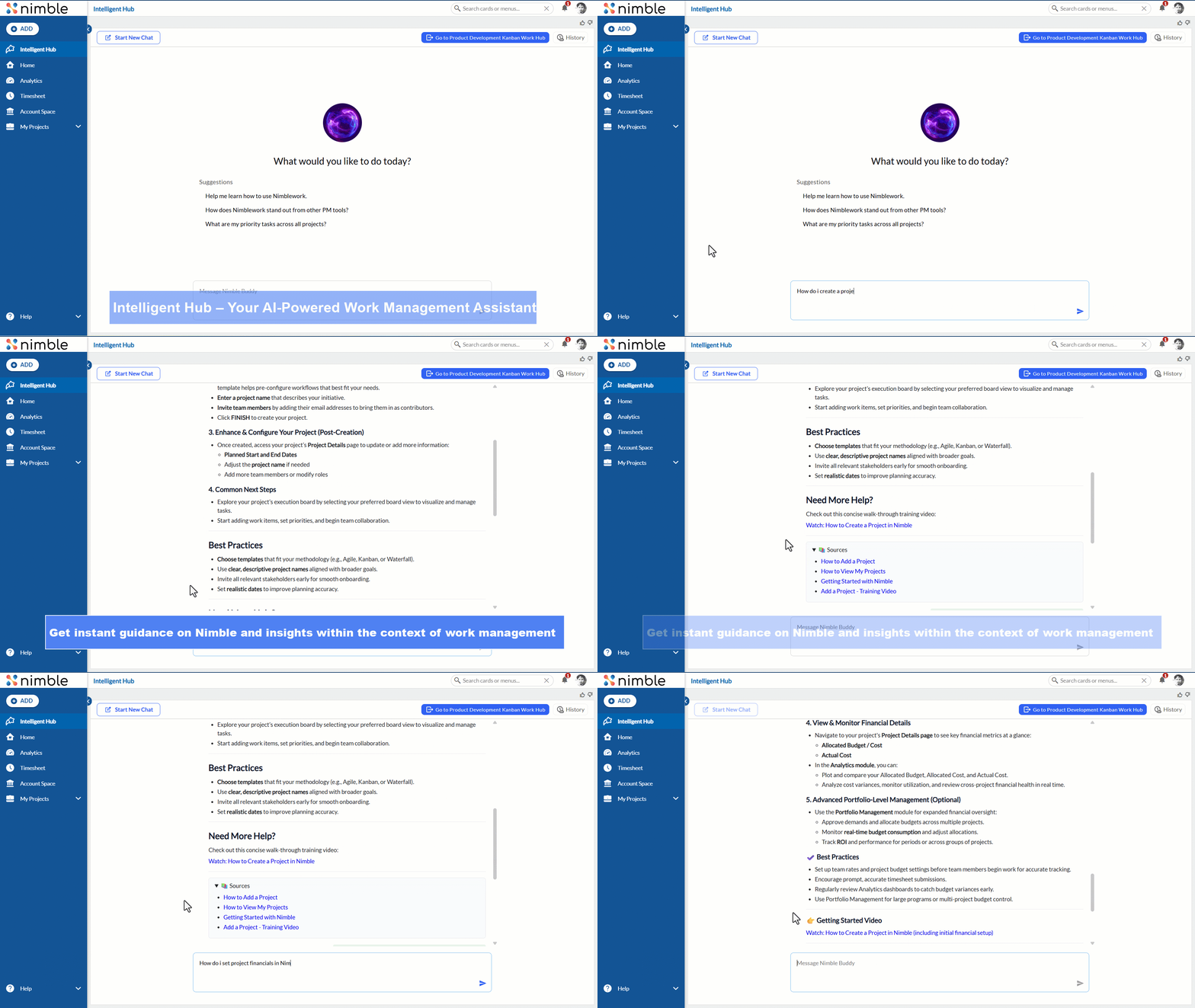
Intelligent Hub – Your AI-Powered Work Management Assistant
Meet Intelligent Hub, your intelligent assistant for Nimble. Instantly access guidance, best practices, and insights within the context of work management. It helps you explore concepts, understand key metrics, and navigate reports or dashboards — all in one place. Learn more here.
Smart Board – Generate Board Lanes with AI
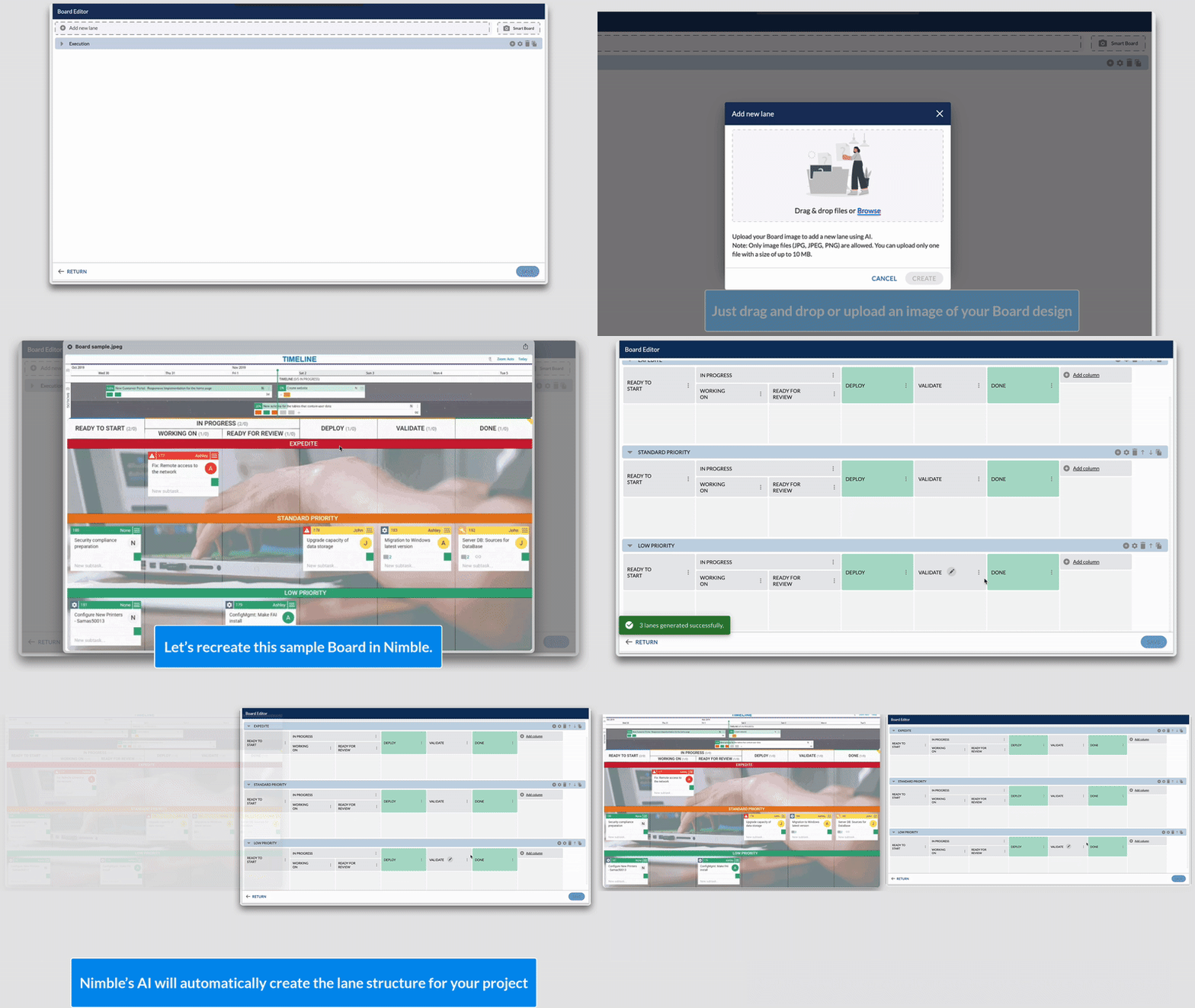
Manually setting up lanes and columns is now a thing of the past! With the new Smart Board in the Board Editor, you can simply upload an image of your desired board layout, and Nimble’s AI will automatically generate the lane structure for your project.
Whether it’s a hand-drawn sketch, a screenshot from another tool, or a reference design you’ve come across, AI intelligently detects the lane and column patterns and recreates them within your board — saving you valuable time and effort in setup. Learn more here.
Executive Summary – Smarter Insights, Instantly
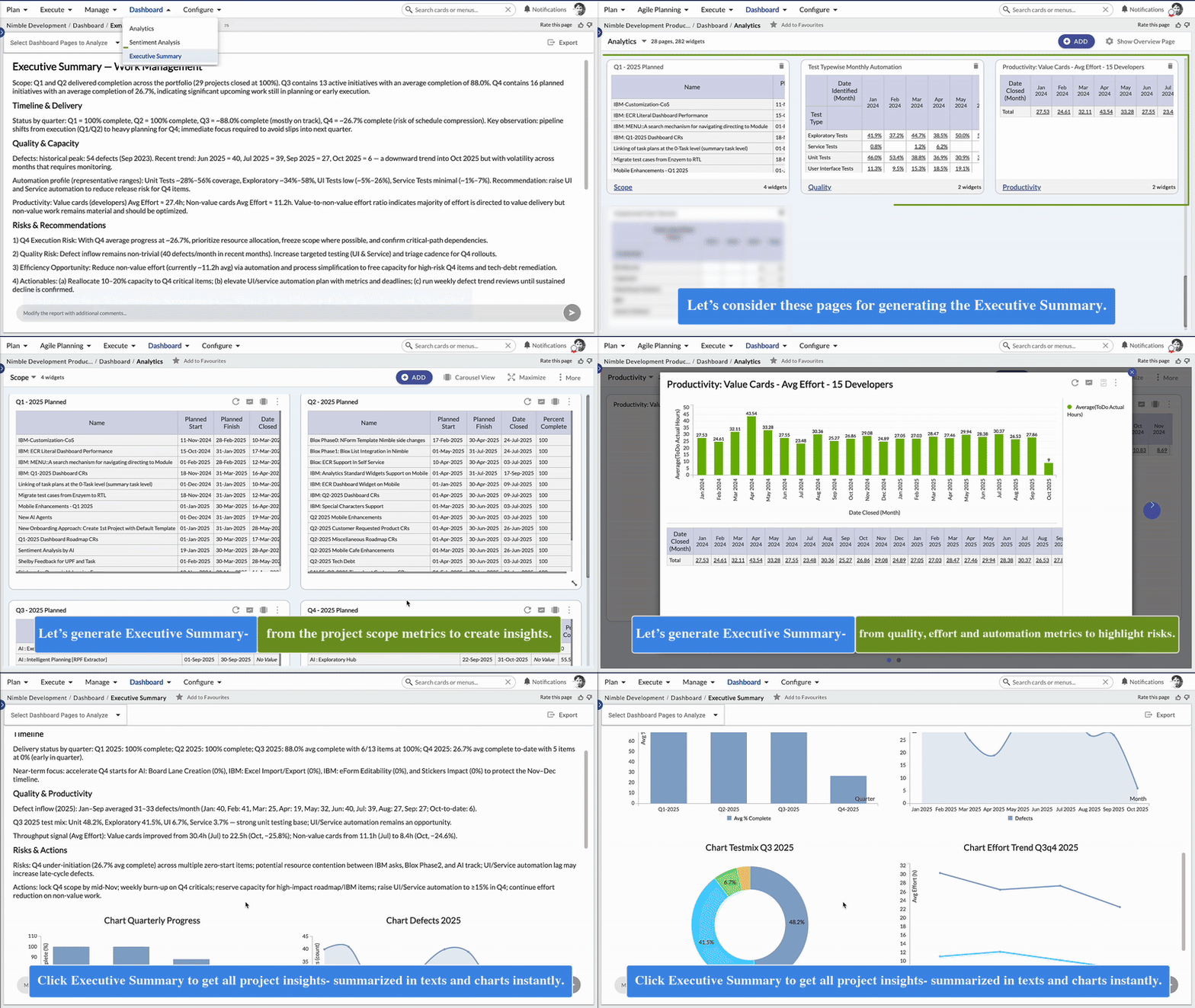
Tired of scanning through charts to find key insights? Our new Executive Summary AI-Agent does the work for you! It intelligently analyzes your Dashboards and presents a clear, concise summary of the most important trends, highlights, and key changes — all in natural language.
And that’s not all — it also auto-generates supporting analytics, giving you both narrative and visuals to capture what truly matters. Learn more here.
OKR Template Now Powered by Forms 2.0
From this release onwards, the OKR Template now supports Forms 2.0, bringing a modern, flexible, and intuitive form experience to defining and tracking Objectives and Key Results.
All new Enterprises will create OKR projects using this updated template powered by Forms 2.0. Learn more here.
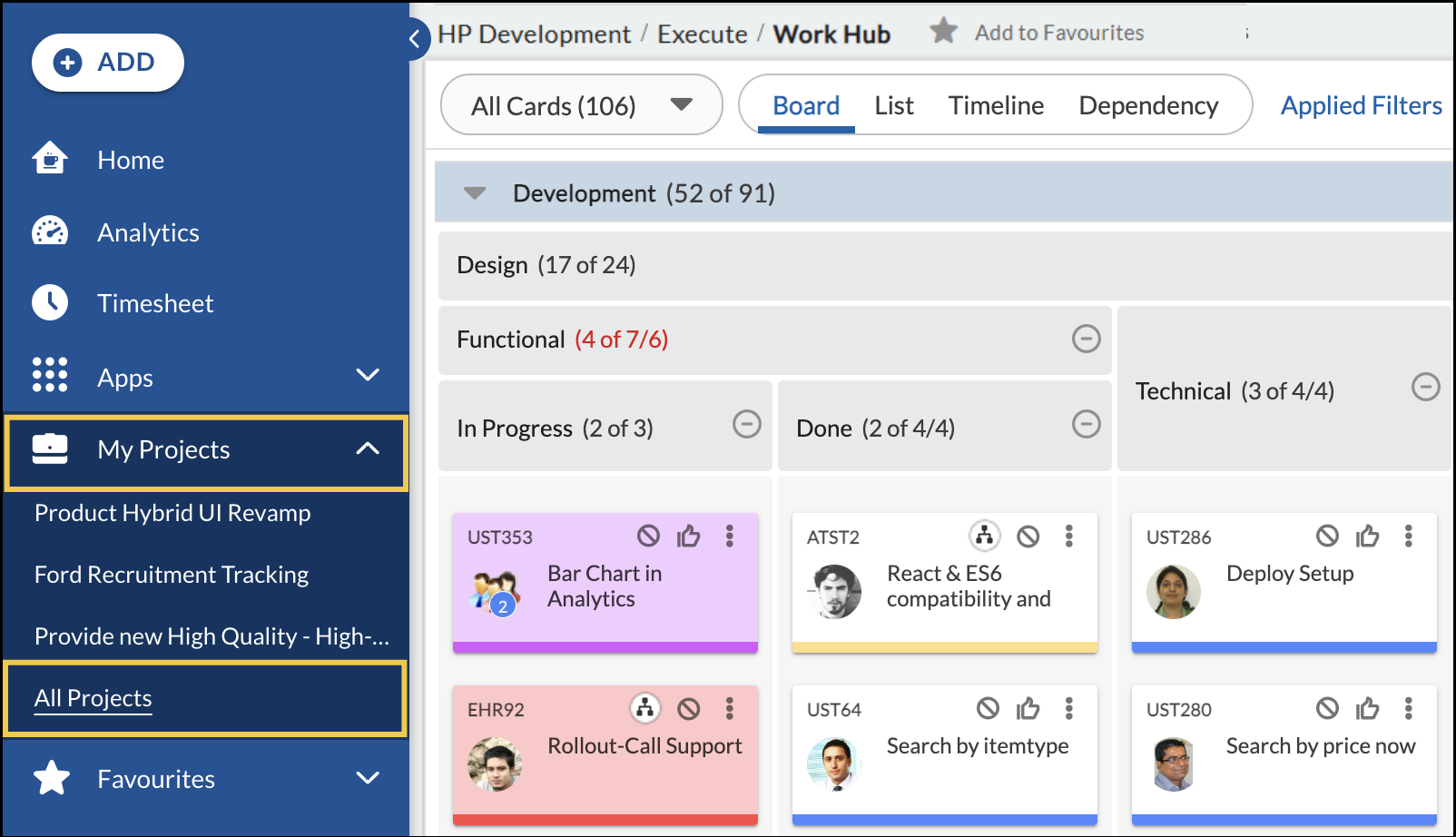
Renamed Menus to Improve User Experience
We have renamed a couple of menu options in the primary navigation. Recent Projects is now My Projects, and View All Projects is now All Projects. With these updated names, it is now easier to distinguish between projects you’re directly involved in (My Projects) and all projects accessible within your workspace (All Projects), helping you find and manage your work faster.